Streamlining Your Visual Strategy with Pinterest and Instagram Canva Templates
In the fast-paced world of digital marketing, maintaining a consistent and high-quality visual presence across multiple platforms is a significant operational challenge. For professionals, entrepreneurs, and creators, the time spent designing individual posts for different social media channels can detract from core business activities. A practical solution to this workflow bottleneck is the use of dedicated design templates. Specifically, a bundle containing both Pinterest and Instagram Canva Templates offers a structured approach to creating cohesive content for two of the most visually driven platforms. This article provides a practical analysis of such a template set, focusing on its components, usability, and real-world application for a professional audience.
Understanding the Core Components
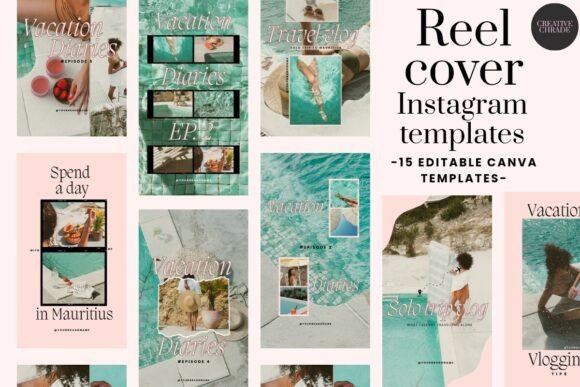
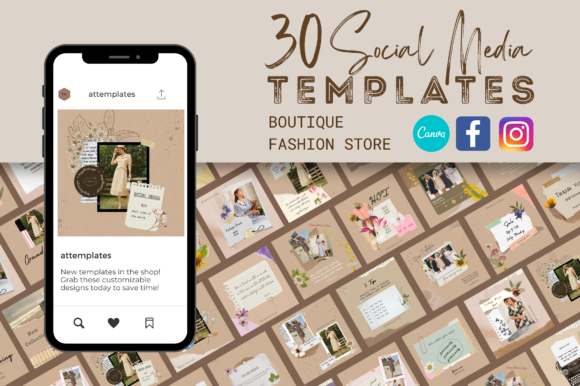
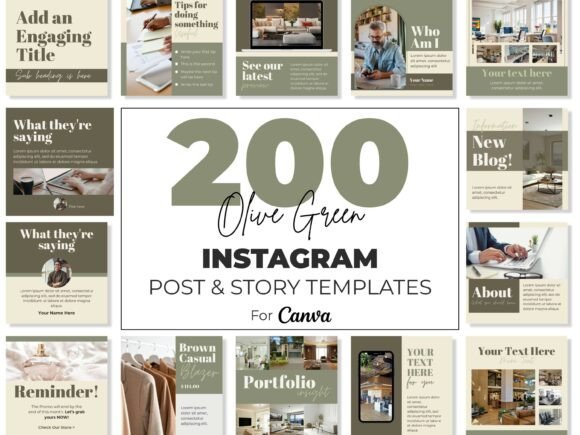
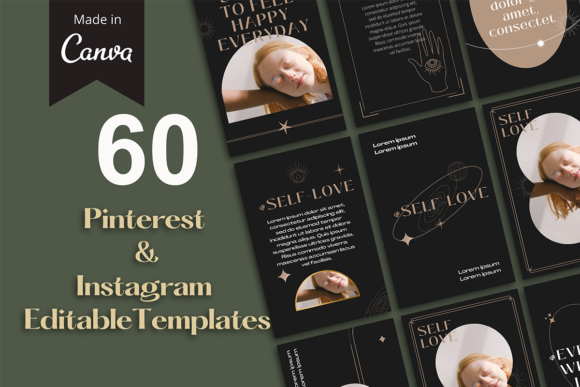
A standard bundle of this nature typically provides a curated collection of designs optimized for the specific dimensions and user behaviors of each platform. The set under consideration includes 30 distinct templates, divided between Instagram post format (1080x1080 pixels) and Pinterest pin format (1000x1500 pixels). This distinction is critical. The square format for Instagram aligns with its grid-based feed and Stories, promoting uniformity and immediate visual impact. The vertical, taller format for Pinterest is engineered for that platform's scrolling behavior, allowing for more information and a stronger visual narrative in a single pin. Using the wrong dimensions can lead to awkward cropping, reduced engagement, and a perception of unprofessionalism. This bundle directly addresses that by providing platform-native designs from the outset.
What the Package Delivers
Beyond the Canva template files themselves, a well-structured package includes supplementary resources designed to facilitate a smooth customization process. A common and valuable inclusion is a PDF document containing the direct download link to the Canva templates. This centralizes access and ensures users can retrieve the files efficiently. Another practical element is the inclusion of color palette ideas. For entrepreneurs and small business owners who may not have a fully developed brand guide, these suggested palettes serve as a starting point for creating a harmonious and professional look. They help in making design decisions that align with aesthetic principles, ensuring the final output is visually coherent even for those with limited design experience.
Evaluating Practical Usability and Workflow Integration
The true value of any design asset is measured by how seamlessly it integrates into an existing content creation workflow. The primary strength of these Canva templates lies in their editability within a familiar, browser-based environment. The process is intentionally straightforward: users begin by replacing the placeholder images with their own high-quality photography or graphics. Next, they resize and edit the text to convey their specific message, call-to-action, or caption. Changing fonts is a simple click-through process in Canva's interface, allowing for alignment with existing brand typography. The final, crucial step is adjusting the color scheme to match established brand colors and inserting a logo. This structured, step-by-step customization—replace, resize, recolor, brand—reduces the cognitive load of starting from a blank canvas and accelerates production time significantly.
For a marketing professional managing multiple client accounts or a blogger publishing weekly content, this efficiency translates directly into time saved. The consistency across both Pinterest and Instagram templates is particularly valuable. It allows for the creation of a unified campaign where a core message or visual theme is adapted for both platforms without requiring two entirely separate design processes. This ensures brand recognition is maintained as audiences move between different social networks.
Identifying the Ideal User and Use Cases
While the appeal of pre-designed templates is broad, certain user groups will derive the most substantial benefit. Entrepreneurs and small business owners, who often act as their own marketing department, can use these templates to maintain a professional social media presence without the ongoing cost of a graphic designer. Educators and freelancers can leverage them to promote services, courses, or portfolio work with polished visuals that build credibility. For creators and serious hobbyists, such as those in the crafting, photography, or DIY spaces, the templates provide a framework to showcase their work attractively, which is essential for growth on visual platforms like Pinterest and Instagram.
Practical use cases are numerous. A product-based business could use the Instagram templates for new product announcements and the corresponding Pinterest templates to create detailed pins linking to their shop. A service provider, like a coach or consultant, might use the templates to share client testimonials, quick tips, or event promotions. The key is that the templates handle the structural and aesthetic heavy lifting, allowing the user to focus on their unique content and message.
Assessing Quality, Flexibility, and Long-Term Value
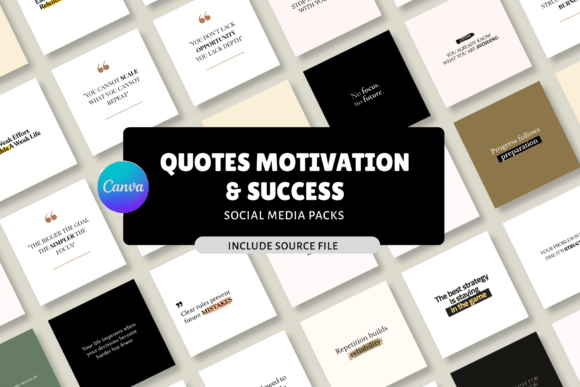
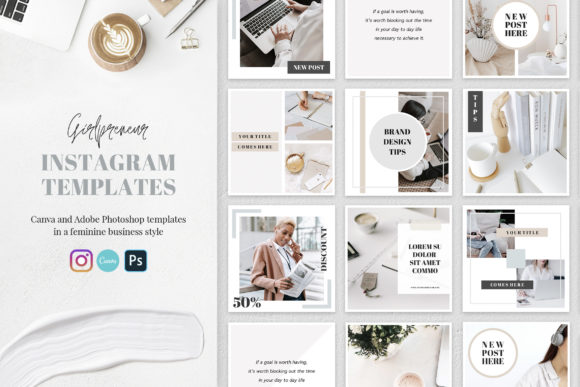
The effectiveness of the templates hinges on their initial design quality. Well-crafted templates will feature clean layouts, balanced compositions, and a modern aesthetic that doesn't feel overly generic or quickly dated. They should offer enough variety within the 30 designs to cover different content types—quotes, promotions, announcements, tutorials, and lifestyle shots. Flexibility is also paramount. The templates should allow for easy swapping of elements, not just images and text, but potentially icons or graphic components, to prevent a feed from looking repetitive.
A potential limitation to acknowledge is the risk of over-saturation. If the same template bundle is widely used, a user's content might bear a superficial resemblance to others. This is mitigated by the depth of customization. The more a user personalizes the templates through unique imagery, distinctive brand colors, and specific copy, the more the final output becomes their own. The long-term value, therefore, is not in the template as a fixed design, but in the efficient workflow it establishes. It teaches a process of systematic content creation that can be applied even if the user eventually moves on to creating their own designs from scratch.
Strategic Recommendations for Implementation
To maximize the utility of Pinterest and Instagram Canva Templates, a strategic approach is recommended. First, before diving into editing, users should define their brand's color palette, fonts, and logo specifications. Having these assets ready streamlines the customization process. Second, plan content in batches. Rather than designing one post at a time, use the templates to create a week's or month's worth of content for both platforms in a single session. This batch-processing method is far more efficient.
Third, use the templates as a foundation for A/B testing. Slightly vary the headline or image on two versions of a pin to gauge what resonates more with your Pinterest audience. Finally, always review the final design on a mobile device. Both Instagram and Pinterest are predominantly mobile platforms, and a design that looks perfect on a desktop screen might have text that is too small or details that get lost on a smaller phone screen. By combining these practical templates with a thoughtful content strategy, professionals and creators can significantly enhance their visual marketing efficiency and effectiveness.