Evaluating Canva-Based Email Marketing Templates for Your Workflow
For many businesses and creators, the design phase of email marketing presents a significant bottleneck. While the strategy and copy may be ready, translating that into a visually compelling, on-brand email often requires specialized skills or expensive software. This is where the ecosystem of Email Marketing Templates Canva resources emerges as a compelling, accessible alternative. These are not just static images; they are dynamic, editable frameworks designed to live within Canva's free, browser-based platform, fundamentally changing who can create professional email campaigns.
Understanding the Core Offering
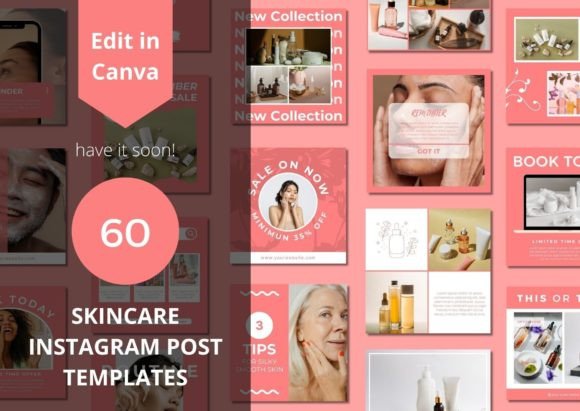
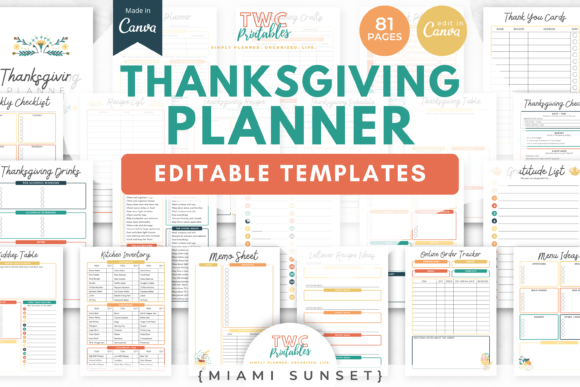
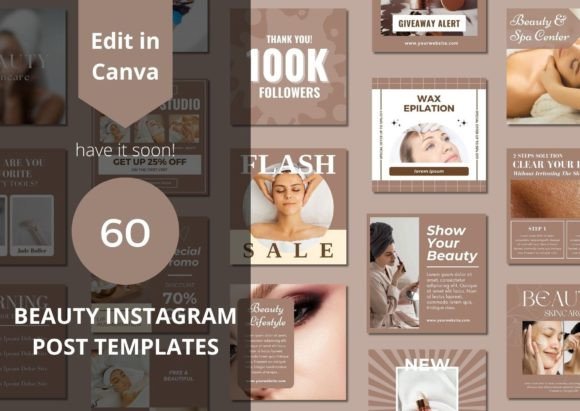
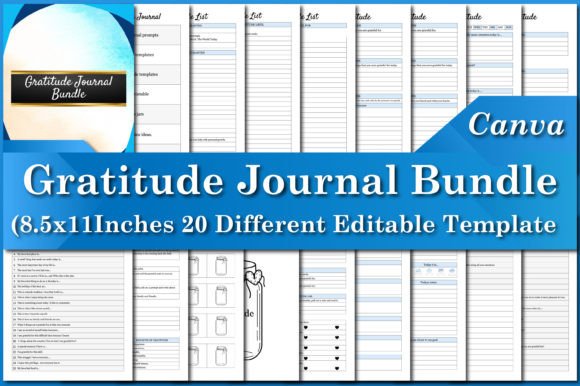
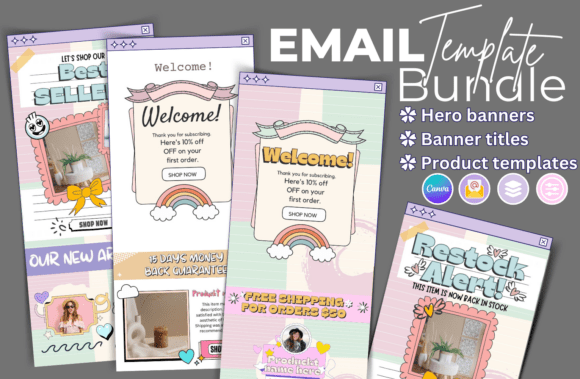
A typical Email Marketing Templates Canva package, as described in product listings, is an instant downloadable and fully editable template system. Upon purchase, you receive a PDF containing a direct link to a Canva template file. This file grants you access to a structured set of design components. A comprehensive pack might include dozens of template files—30 is a common number—organized into logical sections. You'll find large-size email template sections for primary content areas and small-size email template sections for secondary information or modules. To ensure brand consistency, packs often include Title Banner Templates for headers and Square Banner Templates for social media cross-promotion or featured images within the email body.
The true power lies in the editable nature. Within Canva, you can edit text, change font, font size, colors, and placement or delete them completely. You can edit your photos, cut, resize, etc., in Canva with no additional software required. This means you can insert new design elements, insert and arrange as many photos as you want, and create and personalize additional pages to extend the template beyond its original scope. This level of control puts design directly into the hands of the marketer or business owner.
How This Approach Compares to Traditional Alternatives
When evaluating Email Marketing Templates Canva, it's useful to contrast it with other common methods for creating email designs.
Custom Design and Agency Work
Commissioning a designer or agency for a custom email template suite is the premium option. It offers unparalleled uniqueness and is tailored perfectly to your brand guidelines and technical requirements. However, the tradeoffs are significant: high cost, longer timelines, and the need for ongoing retainer fees for updates. For a small business testing a new newsletter format or a startup with a lean budget, this is often prohibitive. Email Marketing Templates Canva serve as a middle ground—professional and customizable without the custom price tag.
Native Email Service Provider (ESP) Builders
Most email platforms like Mailchimp, Constant Contact, or ConvertKit include their own template editors and pre-built designs. The major advantage here is seamless integration; you design directly within the tool that will send the email, ensuring perfect compatibility. The limitation is often creative freedom. These editors can be restrictive, and the pre-made templates can look generic, making it hard to stand out. Using a Email Marketing Templates Canva workflow means designing in a superior, more intuitive graphic design tool and then exporting the finished design (as an image or HTML code via Canva's share features) to your ESP. This offers greater creative control at the cost of a slightly more complex process.
Other Template Marketplaces and HTML Templates
There are numerous websites selling static HTML email templates. While powerful and highly customizable for those who know code, they present a steep learning curve for the non-technical user. Editing often requires a code editor and a good understanding of email HTML and CSS, which is notoriously finicky across different email clients. The Email Marketing Templates Canva model bypasses this entirely. The learning curve is minimal for anyone familiar with basic graphic design tools, making professional results accessible much faster.
Strengths and Ideal Use Cases
The strengths of this approach are clear. Accessibility is paramount; Canva's free tier is robust, and the interface is intuitive for beginners. Speed is another benefit—you can go from a blank template to a polished email design in a single sitting. The cost-effectiveness is undeniable, especially for solopreneurs, small teams, and nonprofits. Furthermore, the ability to maintain brand consistency is strong; you can save your brand colors, fonts, and logos within Canva and apply them across all template files with a few clicks.
This solution is an excellent fit for several scenarios:
- Small Business Owners and Solopreneurs: Who need to manage their own marketing without hiring a specialist.
- Content Creators and Bloggers: Who want their newsletters to visually reflect the quality of their content.
- Marketing Teams Needing Agility: Where multiple people may need to contribute to email designs quickly without formal training.
- Event Promoters or Product Launchers: Who need a series of cohesive, visually engaging emails created rapidly.
- Teams Using Canva for Other Marketing: If Canva is already your hub for social media graphics, extending it to email creates a unified design ecosystem.
Tradeoffs and Limitations to Consider
No solution is perfect, and understanding the tradeoffs of Email Marketing Templates Canva is crucial for an informed decision.
The primary limitation is the final output format. While you can design a beautiful layout, an email is not a webpage. Sending a design as a single large image is bad for deliverability, accessibility (screen readers can't read it), and load times. The proper workflow involves designing modular sections in Canva and then either:
- Using Canva's "Share as Website" or "Publish as Webpage" feature to generate a link that can be embedded in an email (limited styling control).
- Exporting individual graphic elements and assembling them in your ESP's drag-and-drop editor, which can be tedious.
- Using a third-party service that can convert Canva designs to email-ready HTML, which adds another step and potential cost.
This brings us to the technical integration. Unlike designing directly in your ESP, the Canva-to-email process can have friction points. Testing is critical to ensure your design renders correctly across all email clients (like Outlook, Gmail, Apple Mail). Another consideration is advanced interactivity. While you can create visually dynamic designs, complex interactive elements like animated GIFs, hover effects, or embedded forms are either impossible or very difficult to implement through this method.
Making the Right Choice for Your Needs
Choosing whether Email Marketing Templates Canva are right for you depends on balancing your priorities.
This approach is likely a good choice if:
- Visual design quality and brand aesthetics are a top priority for your emails.
- You value speed and ease of use over pixel-perfect technical control.
- Your team is comfortable with graphic design tools but not with code.
- You are sending relatively straightforward marketing or newsletter emails without complex interactive needs.
- Budget is a key constraint, and you need a professional look without professional design fees.
You may need to explore other options if:
- You require highly complex, interactive emails with dynamic content.
- Your technical workflow is already optimized within your ESP, and adding a Canva step would create unnecessary friction.
- You have the budget for and access to a skilled email developer or designer who can build custom, coded templates.
- Your emails rely heavily on live text for accessibility and personalization, which is harder to manage with a graphic-first approach.
Ultimately, Email Marketing Templates Canva represent a powerful democratization of email design. They offer a practical, cost-effective pathway for creating visually professional campaigns that were once the domain of those with technical or design expertise. By understanding both their capabilities and their boundaries, you can decide if they are the right tool to enhance your email marketing strategy, helping you communicate more effectively with your audience without compromising on design or budget.